
Useful Forms
Access all key school forms in one place, from updating your child's details to applying for financial aid and student care.
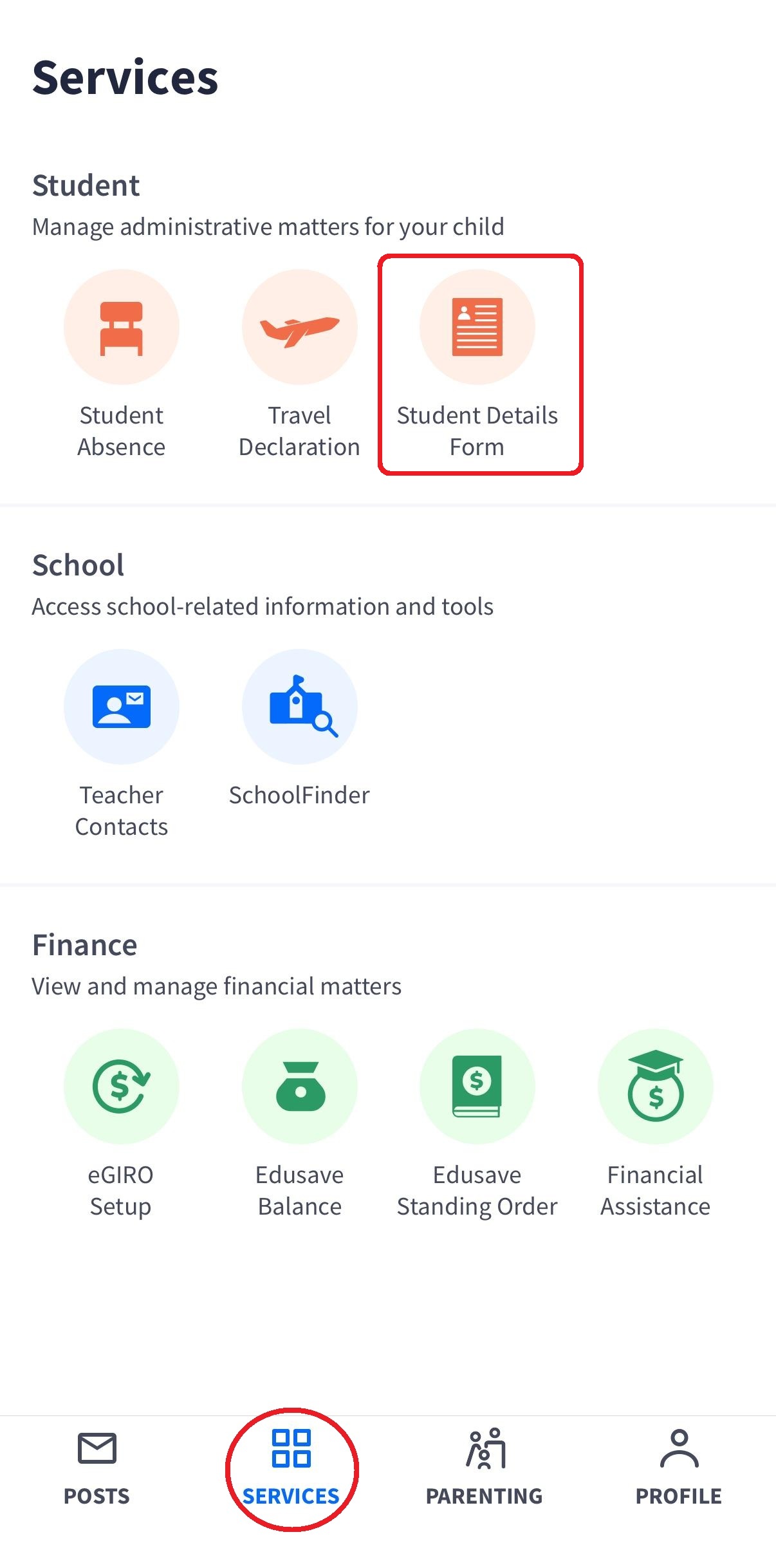
Students Details Form
To update the school of any changes in your child's details (e.g. medical condition, contact numbers and residential address), please inform through the Students Details Form (SDF)
If there is a custody and/or care and control order pertaining to your child, do not use this form. Please inform your child's Form Teachers directly.
Finance Assistance Scheme
For more information: MOE FAS (opens in new tab) page
Parents can apply via the PG app.
Should you not meet the MOE FAS eligibility requirements but is in need of financial assistance, please write in to concord_ps@moe.edu.sg. The school will review your request on a case-by-case basis.
DigitalAccess @Home Application
DigitalAccess@Home provides subsidised broadband and laptops/ tablets to lower-income households to support their lifestyle needs, including work and social activities.
To apply, please refer to IMDA website:
https://www.imda.gov.sg/how-we-can-help/digital-access-at-home (opens in new tab).
Payment
Termination of existing GIRO arrangement can only be done by the Account holders, who has to login to their respective banks’ online banking portals to terminate the existing GIRO.
If GIRO termination is not allowed on the banking portals, please submit the GIRO Termination Form (opens in new tab) to your child’s school for processing.
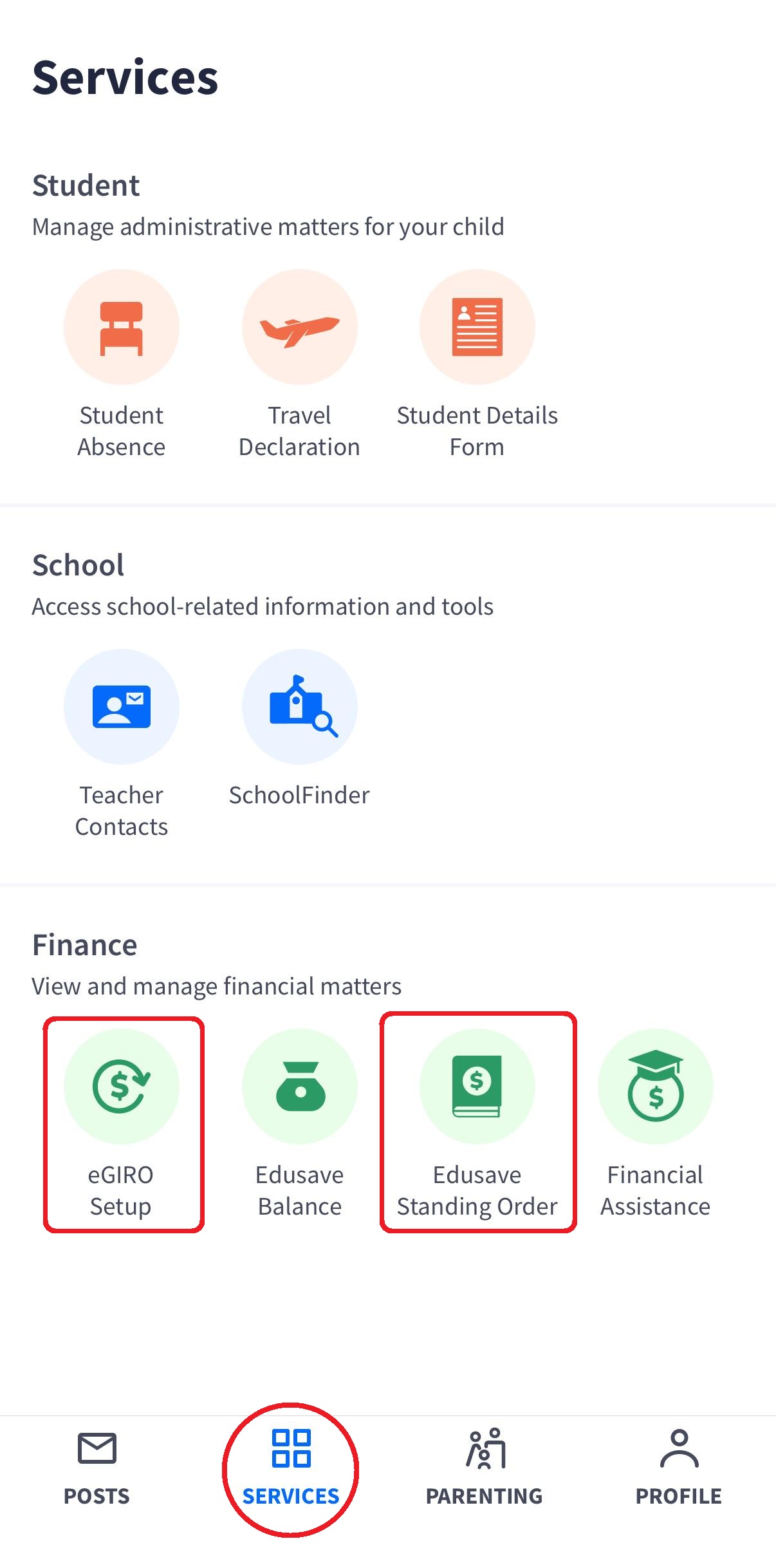
eGIRO and Edusave Standing Order(for Singapore Citizens only) can be applied thru the Parents Gateway app.
School-Based Student Care Services
School Wait List Application